
Free online generator
Create a professional invoice in minutes
Fill in the form, watch your invoice update live and download a polished PDF. Free to create. Easy to send.
Reviews
Loved by people who send invoices
Really Good
So far the app is working great and very user friendly. Makes my job easier every day!
Chief Handyman · United States Awesome app
I like the fact that I can edit my clients within the invoice.
Black Moose · South Africa Superb app
Thank you so much, very easy to make invoice.
Saf anis · Sri Lanka Good one
Nice app. The templates are clean and easy to customize ❤️
Kishandiss · United Kingdom
Features
Everything you need for a great invoice
All the tools to make invoices you're proud to send, without the busywork.
Professional templates
Pick from the same polished templates as the mobile app and make them yours with your logo and color.
Pixel-perfect PDF
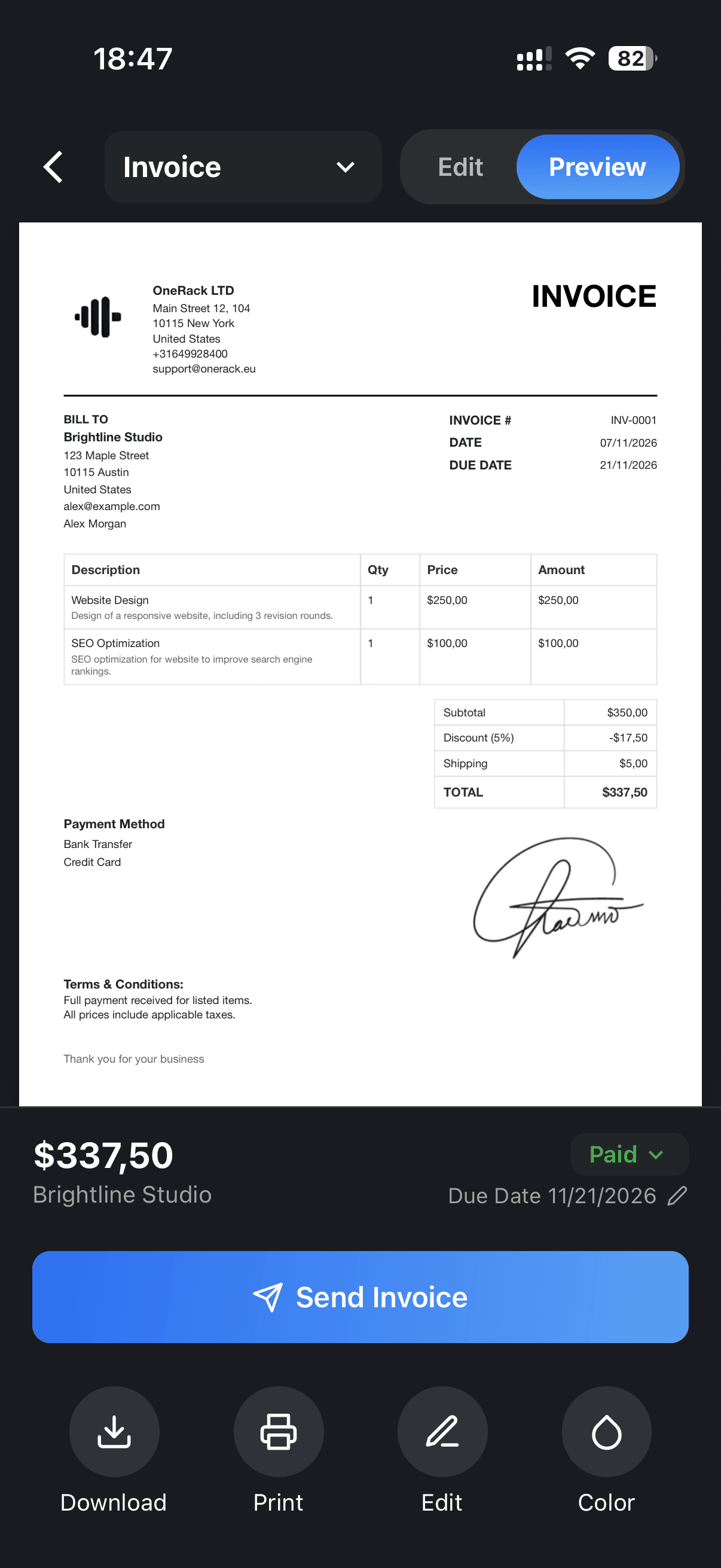
What you see in the preview is exactly what your client gets — print-ready on A4 or US Letter.
Synced everywhere
With Pro, your documents, clients and items sync between the web and the iPhone and Android apps.
Any language & currency
Create your invoice in 13 languages, with every major currency and your local date and number format.
Also on your phone
Send your invoices on the go with the apps for iPhone and Android.
Your data stays yours
Your draft stays in your browser until you choose to save it to your account.
How it works
Make your invoice in 3 steps
Three simple steps, right here in your browser.
01
Fill in the details
Add your business, your client and the products or services you're charging for.
02
Check the preview
Pick a template and color. The preview updates as you type.
03
Download the PDF
Sign in with Apple or Google and download your invoice as a PDF.


Your account
Everything in one place, right in your browser
Sign in to see all your invoices at a glance, keep track of what's paid, and plan ahead with the calendar.


A clear overview
All your documents in one list, with what's paid and what's still open.
Calendar
See every due date by month, so nothing slips through.
Clients & items
Save clients and items once and add them to any document in a click.
Mobile app
Get BillHeron on your phone
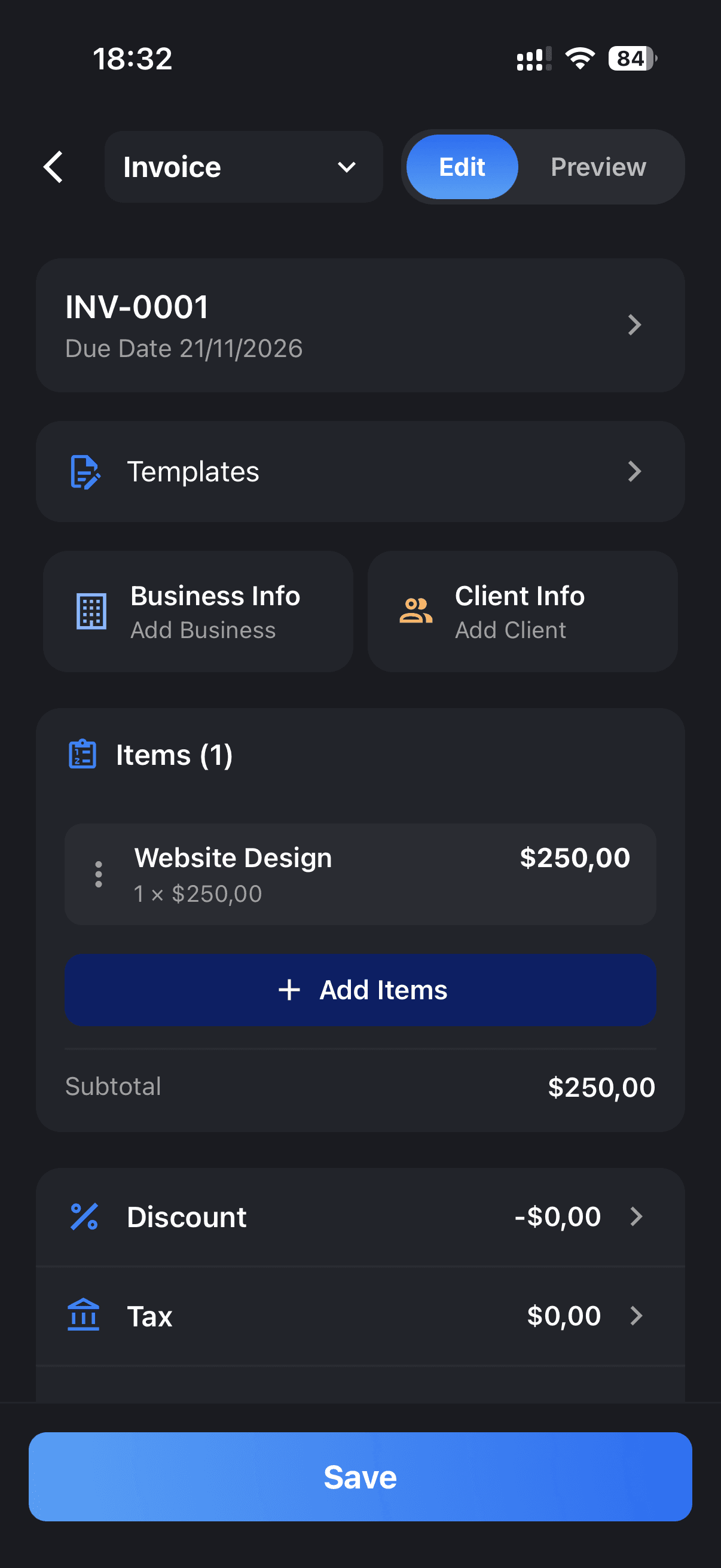
Create and send invoices from anywhere, get paid faster with payment links, and keep everything in sync.
- Send invoices right after the job, from your phone
- Add a payment link so clients pay faster
- Everything syncs with the website



4.9 on the App Store
Frequently asked questions
- Is BillHeron free?
- Yes. You can create and download documents for free; free PDFs have a small watermark. Pro removes it and adds unlimited documents, all templates and sync.
- Do I need an account?
- Not to start: fill in your invoice right away. To download the PDF you sign in with Apple or Google — it takes seconds and your draft is kept.
- Will the PDF look like the preview?
- Exactly. The preview and the PDF are made from the same template, on white paper, in A4 or US Letter.
- Does it sync with the mobile app?
- Yes, with Pro. Sign in with the same Apple or Google account in the app and on the web, and your documents, clients and items sync automatically.